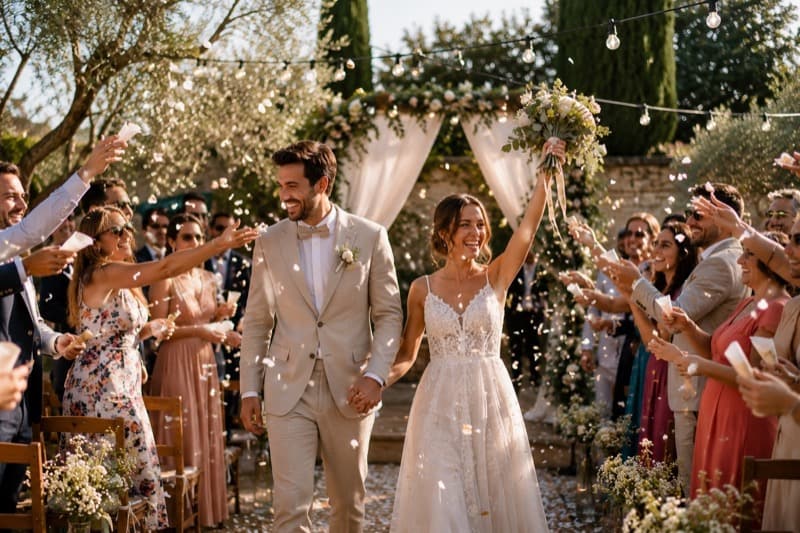
Two slideshows, two moments
- During the reception: the "before" slideshow, which tells the couple's story. It's usually shown at dessert or before the first dance, and ideally lasts between 5 and 10 minutes.
- After the wedding: the "memories" slideshow, made with photos of the day taken by you, the photographer and above all the guests. It's sent as a link, and everyone can watch it again on their phone.
With Diapofy, the second one takes shape during the first: an upload link displayed on the tables gathers photos from every guest from the evening onwards.
A story in chapters
A good wedding slideshow tells a story. In the studio, organise your photos into groups, which the player presents as chapters:
- Childhood: a few photos of each of you, from babies to teenagers. Families love seeing them again.
- How you met: your first photos together, the place where it all began.
- Adventures: trips, moving house, pets, friends.
- The proposal and the wedding preparations.
- The big day: for the memories slideshow, the ceremony, the drinks reception and the party, as seen by all the guests.
Choosing the right photos
- Mix it up: portraits, group shots, landscapes, details (rings, flowers, menu).
- Mix the eras without sticking to strict order: an old throwback in the middle of a recent series raises a smile.
- Keep the pace: 4 to 6 seconds per photo, a little longer for group shots.
- Vertical and horizontal photos mixed together? The blur background avoids black bars (see format and background).
The music
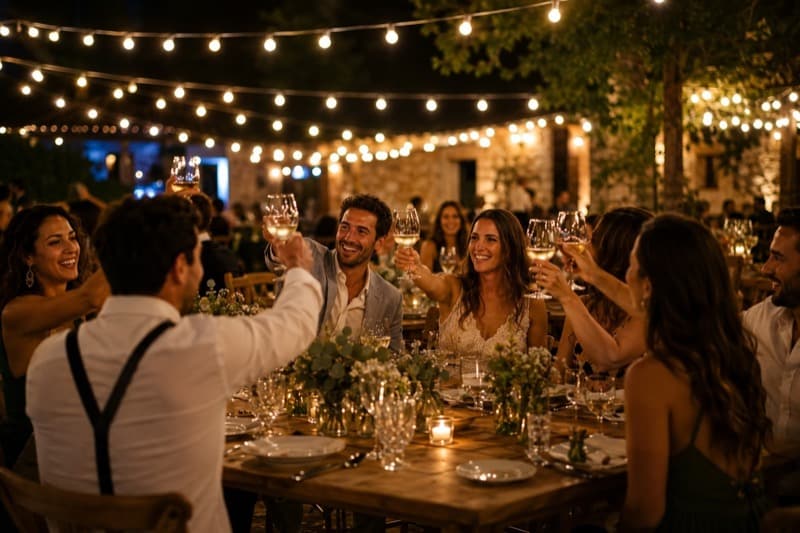
Two or three songs are enough for 5 to 10 minutes: a gentle one for the childhood photos, something more upbeat for the adventures, and "your" song to finish. Link them with a crossfade, and lower the music during videos where people are talking. It's all explained in the guide adding music to a slideshow.
On the day
- Test the venue's screen, sound and connection in advance.
- Ask the best man or a bridesmaid to start it: you'll have other things to do.
- For the rest of the evening, let the slideshow play on a loop, topped up with the guests' photos: that's what the guide showing it on a big screen is about.
After the wedding
Send the link to the memories slideshow with your thank-you notes, or print its QR code on your cards. Add a password if you'd rather keep it among family and friends, and open the guestbook to receive their messages: see protecting the slideshow and collecting messages.